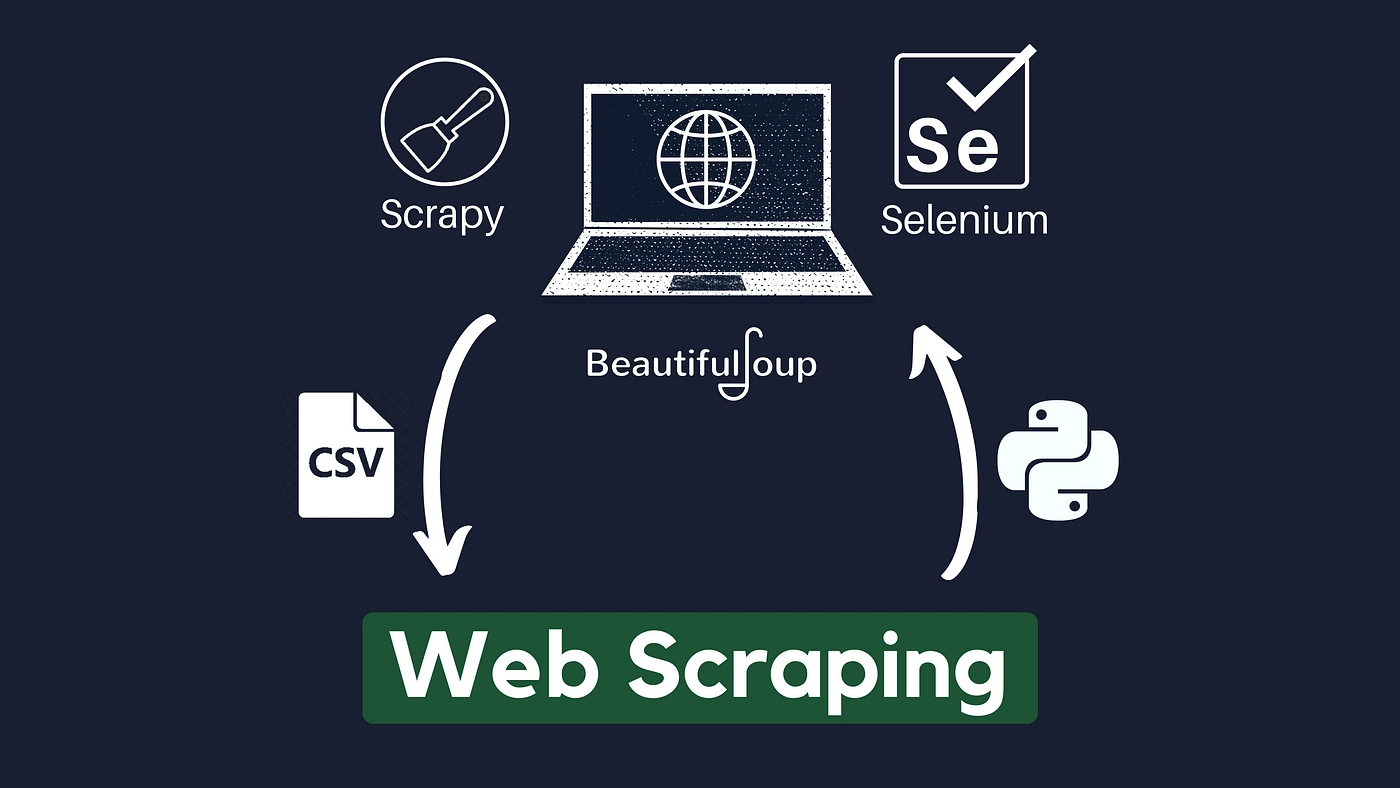
Web scraping has become a vital tool for collecting and analyzing data from websites, enabling businesses, researchers, and developers to gain insights and make data-driven decisions. It involves extracting information from websites through automated processes, but behind the scenes, several techniques are used to AI Powered Web Scraping ensure efficient and accurate data collection. This article takes a deep dive into the various web scraping techniques, from the most basic to the more advanced methods, to help you understand how web scraping works and how to use it effectively for your needs.
- HTML Parsing with BeautifulSoup
One of the most common and foundational web scraping techniques is HTML parsing, which involves extracting data from the raw HTML structure of a web page. This process is typically done using a library such as BeautifulSoup in Python. BeautifulSoup allows developers to parse the HTML content of a page and navigate the DOM (Document Object Model) to locate specific elements such as headings, paragraphs, links, and images.
By using BeautifulSoup, users can search for tags, attributes, or specific text within the page. This technique is ideal for scraping static websites where content is displayed directly in the HTML, and there is no dynamic interaction needed. It’s a relatively simple technique and is widely used by beginners due to its ease of use and versatility. However, it can be limited when it comes to scraping JavaScript-rendered content or handling complex websites.
- Browser Automation with Selenium
While HTML parsing is sufficient for many scraping tasks, some websites rely on JavaScript to render content dynamically after the page has loaded. For these sites, Selenium is an excellent tool. Selenium is a web browser automation tool that allows users to simulate human interactions with a web page, such as clicking buttons, filling out forms, or waiting for elements to load.
With Selenium, scrapers can control a web browser (such as Chrome or Firefox) to access a webpage, trigger JavaScript execution, and extract the fully-rendered content. Selenium is particularly useful when scraping websites with complex JavaScript-driven content that cannot be accessed by simply parsing the HTML source. While Selenium allows for powerful scraping capabilities, it is generally slower than direct HTML parsing due to the overhead of controlling a web browser.
- XPath and CSS Selectors for Precise Targeting
For advanced scraping tasks, developers often use XPath and CSS selectors to pinpoint the exact location of the data they wish to scrape within the HTML structure of a page. Both XPath and CSS selectors are powerful query languages used to navigate the HTML DOM tree and extract specific elements based on their relationships, attributes, or position within the page.
XPath is more versatile, as it allows for more complex queries, such as selecting elements based on their hierarchical relationships or specific conditions. CSS selectors, on the other hand, are simpler and more intuitive, making them easier to use for basic scraping tasks. These techniques are particularly useful when scraping structured data, such as tables, product listings, or user reviews, where precise targeting of elements is necessary.
- Web Scraping APIs for Structured Data
An alternative to traditional scraping techniques is to use web scraping APIs. Many websites, especially large e-commerce platforms or social media sites, provide APIs that allow developers to access data in a structured format like JSON or XML. Web scraping APIs are often preferred when available, as they are designed for safe and efficient data retrieval without violating terms of service or overloading a website’s server.
Using an API eliminates the need to parse HTML and deal with the complexity of navigating through the DOM. Instead, users can send a request to the API, receive structured data, and process it directly. For instance, APIs for weather services, financial data, or product information can provide real-time and historical data in an easy-to-use format. However, not all websites offer public APIs, and some may restrict access based on usage limits or authentication requirements, making them unavailable for certain scraping projects.
- Advanced Techniques: Headless Browsers and Proxies
For large-scale web scraping projects or websites that actively block scrapers, more advanced techniques such as headless browsers and proxies are often employed. A headless browser is a web browser that runs without a graphical user interface (GUI), allowing for faster scraping while still rendering JavaScript content. Tools like Puppeteer or Playwright allow developers to automate scraping tasks in a headless environment, which can be highly efficient for handling complex websites.
In addition, proxies are frequently used to avoid IP blocking and rate-limiting. By rotating IP addresses or using proxy servers, scrapers can distribute requests across multiple IPs, making it harder for websites to detect and block scraping activity. This technique is essential for scraping large amounts of data from a single website without being throttled or banned.
Conclusion
Web scraping techniques are diverse and adaptable, with each method serving a specific purpose depending on the complexity of the website and the type of data being extracted. From basic HTML parsing with BeautifulSoup to advanced browser automation with Selenium, web scraping offers numerous ways to collect data from the web. Using XPath and CSS selectors can help developers target specific data points with precision, while APIs provide a structured, legal alternative when available. For larger projects, headless browsers and proxies can make scraping more efficient and less detectable. By understanding these techniques and selecting the right one for your project, you can harness the power of web scraping to gather valuable insights and drive informed decisions.